
Fighting
Super Smash Bros Brawl Walkthrough and Guide
by SPV999
Super Smash Bros Brawl - Attack Types
What’s a battle without a way of killing each other? (even in a battle of wits you have your brain...). Here’s how to kill each other in THIS game.Remember that every character will unleash a different attack depending on what direction you press the control stick in when pressing the button. This gives you 4 different attacks per attack type (3 directions [left and right count as one, as they activate the same attack] 1 when not pressing the controls stick at all [called “standard position”]).
I will use the standard Gamecube controller set-up for these demonstrations, as it’s the most universal (it roughly applies to all types but the lone Wii Remote). Check your own control scheme for the exact buttons. Mario will be used in the demonstrations, which will appear after here after the game has been released.
Standard Attack
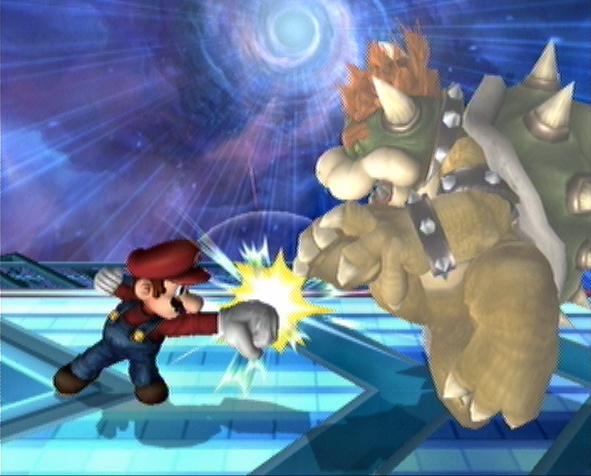 A large punch! |
Button: A
This is your most basic attack, that doesn’t make it the worst though.Normally fast, just not very powerful.
Dash Attack
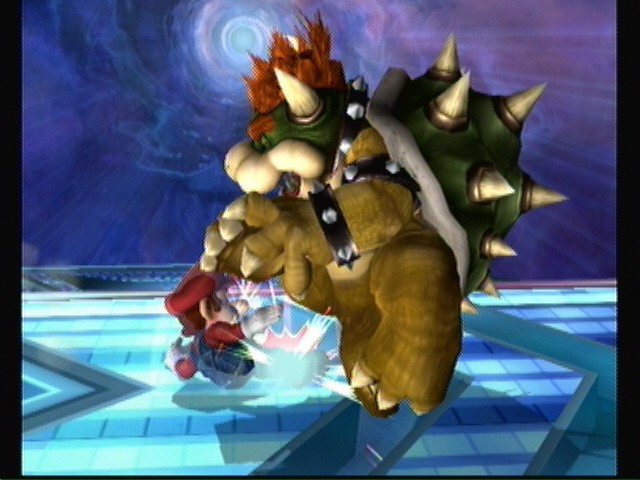 Mario dives in |
Button: double tap the control stick A
Dash attacks are good to quickly get to someone and knock them off their feet. Normally not very powerful, but extremely fast and has a high probability of knocking them in the air slightly. To use, start dashing by double tapping the control stick either left or right, then when you reach your destination press A.
Smash Attack
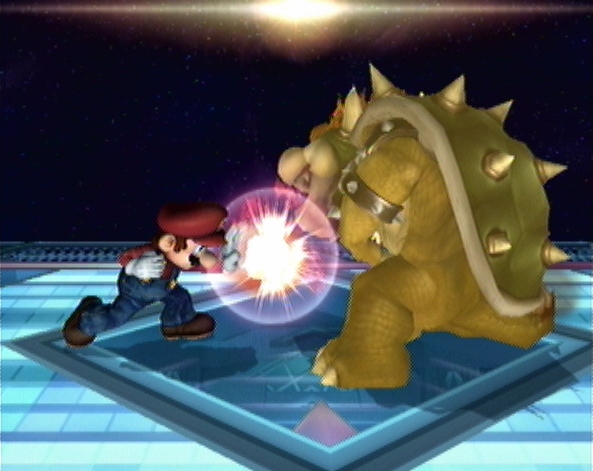 Explosion! |
Button: Tap the control stick A or C-stick (short-cut button)
Smash attacks generally take people the longest to get down. This is because they have a lot of variables. To activate, you must tap the control stick in the direction you want to attack and press the A button at the same time. If preformed correctly, your character should now unleash an attack different from his standard or dash attacks.
There’s two things that get people here,
1) I don’t recommend using the short-cut buttons. This is because...
2) ... the attacks can be charged up for a more powerful smash attack by continuing to hold the A button. This will allow you to not only time your moves to, say, a falling opponent, but to deal more damage when it connects. If you use the short-cut buttons like the C-stick, you cant charge the attack up.
Special Attacks
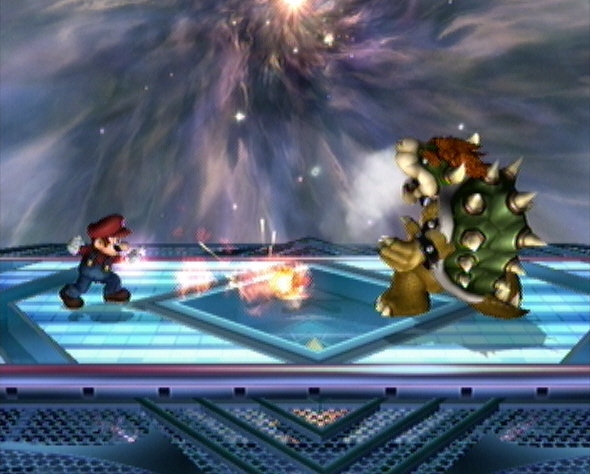 Fireball. A classic | 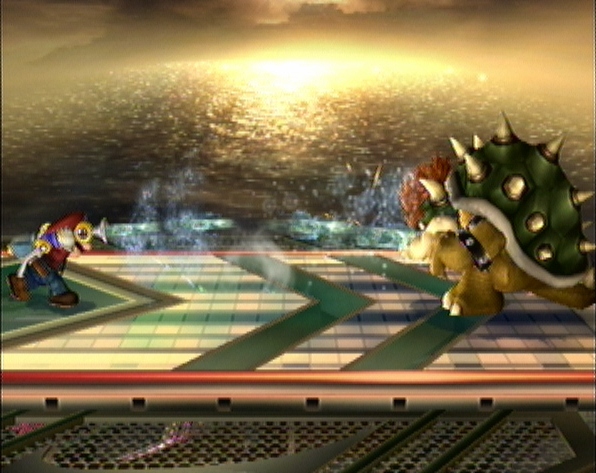 Call in F.L.U.D.D! |
Button: B
These attacks vary greatly from character to character. They draw more on the character’s personality and arsenal then the Standard and Smash attacks, which are normally just punches and kicks. Even in just one character, the up, down, left/right, standard attack can vary quite a bit. It’s best to try all of a characters Special attacks the very first match you play as them. Some Special attacks can be charged, others can be controlled like a homing missile. Some focus on defense, while others are full-on offense. Either try the character for yourself, or read about their moves in the Characters section.
Aerial Attacks
 Leaps up and kicks! |
Button: A (when in mid-air)
I never really found aerial attacks that useful, but you should know they exist. It’s basically a Standard Attack only in air. Your attacks do change though, so you should try them out to know your limits.
Grabs/Throws
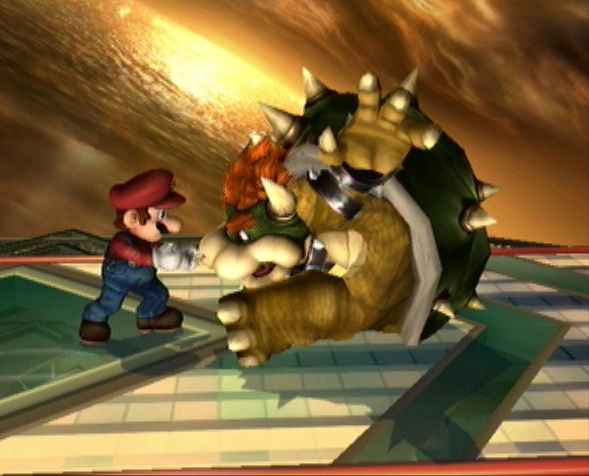 I got your nose... |
Buttons: Z, then A and/or control stick (or press A when blocking)
For some characters, grabbing can be very advantageous. Mostly, the computer is just going to use it to annoy you, but if you can get the timing down, grabbing is an excellent counter-attack if you were guarding at the time of impact (see Advanced Techniques section).
First, get right up next to an opponent and press Z. You should grab a hold of them. You now have a couple options.
1) you could tap the control stick to throw them. If they have a high damage percentage, there’s a good chance you can throw them right off the stage. Throwing them into the ground can also be painful for them.
2) you can tap A a few times, bashing them with your weapon of choice. Doesn’t do a lot of damage, but works well before throwing them.
The only downside here is that the enemy can break your hold on them. Some people will be able to break free faster then others, and you’ll be open for an immediate counter-attack, so be sure to throw them before this happens.
Final Smash Attacks
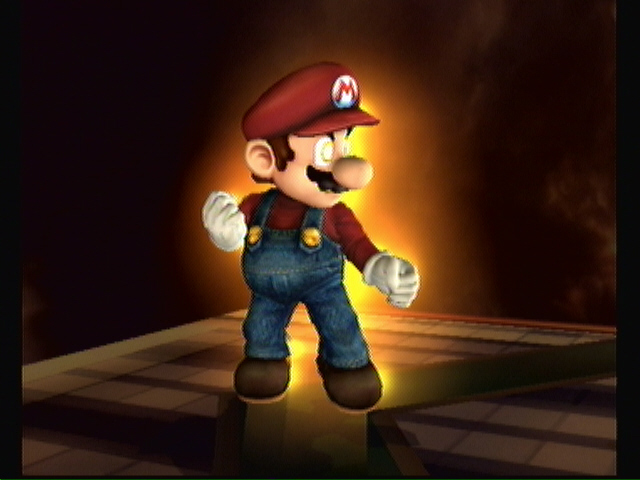 Here it comes... |
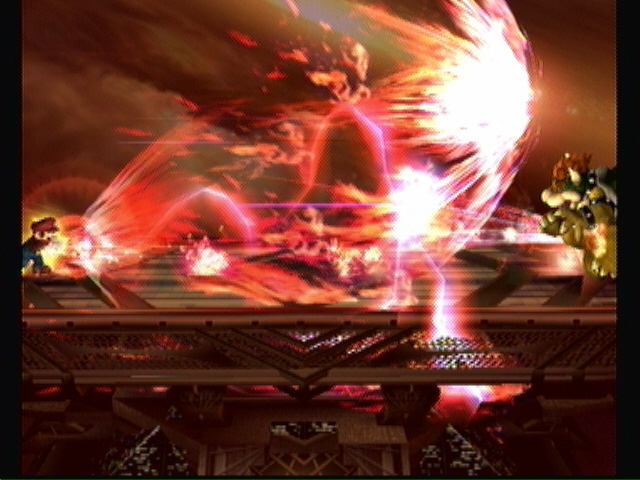 Final Smash! Mario Finale! |
Final smashes deserve their own section, as they are rather intricate and a new addition to the series. Basically, a final smash is an all-powerful-nearly-undodgable-most-likely-going-to-kill-everyone-on-stage attack. But there are limits in place. For starters, the final smash is an item. You have to pick it up to use it. It’s not even that simple though. The Smash Ball (as it’s called) floats around the stage randomly, and fairly quickly. To pick it up, you have to attack it. It has sort of a shield around it, so it can take several attacks. The person to attack it after the shield breaks gets it. After getting the item, you don’t have to use it immediately. You can hold on to it if you want. Walk around stage with it, get yourself in the best position before unleashing it. Your character will glow yellow to let you know you still have it.
Now if someone where to hit you while you are walking around, you’ll lose the item and it will float around again (only with no shield). So be careful. Final Smashes, like Special Attacks, vary greatly form character to character and take advantage of that characters abilities. For a full list of final smashes, see the Character Section and look up the character you want to see it for.
Dodging/Blocking
 Phew, that was close |
This can be a crucial part to any strategy. I prefer to block with my fists and dodge by jumping, but that’s just my strategy.
Blocking can be done by using the Shield button. The shield (more like a bubble really) will protect you from just about any attack, but the shield will be drained with each hit it takes. It will also slowly drain on it’s own if you hold down the button for too long. To recharge the shield, just don’t use it for awhile. If the shield completely drains or “breaks” when using it, you will become paralyzed for a short time, turning you into a sitting duck.
Dodging is a bit more complicated and takes careful timing. You have to tap the shield button and one direction on the control stick at the same time. This will make your character step off the stage for a second, dodging the attack. Also good for getting behind an opponent by standing in front of them, then dodging towards them. You’ll strife beside them and end up on the other side.
Aerial dodging is done by taping the shield button in air. You will dodge that attack, but after the dodge you will be helpless till you touch the ground.
Taunting
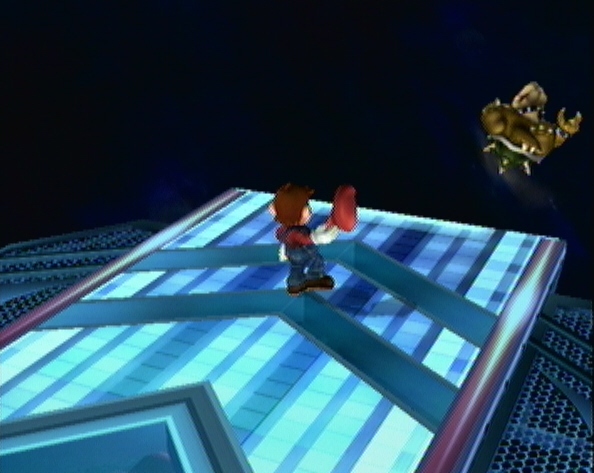 Bye bye! |
Doesn't really need it’s own section, but it doesn’t fit anywhere else. You have three taunts in this game. Up, down, and side (left/right). The taunt you use depends on the direction you press the D-pad. When using the Wii Remote Nunchuck, the taunts are done by pressing the 1 (up), 2 (down), and 1 2 (side) buttons.
You can assign a small amount of text to each taunt per character in the options menu. This text will appear on screen when you use that taunt, even in online matches.
Cheats, hints, walkthrough index


Thx , coolers guide, your comments and experience was very helpfull
Snake only has one taunt.
cool dude
In a guide shouldn't you just tell the facts, no need to add your own opinion since it could affect other people's choices.
I'll do my taunts, special attacks, final smashes, and other things I can do.