PC Keyboard Controls Guide
Thank you for printing this page from www.SuperCheats.com.Remember to come back to check for updates to this guide and much more content for Katana Kami: A Way of the Samurai Story
Last Updated:
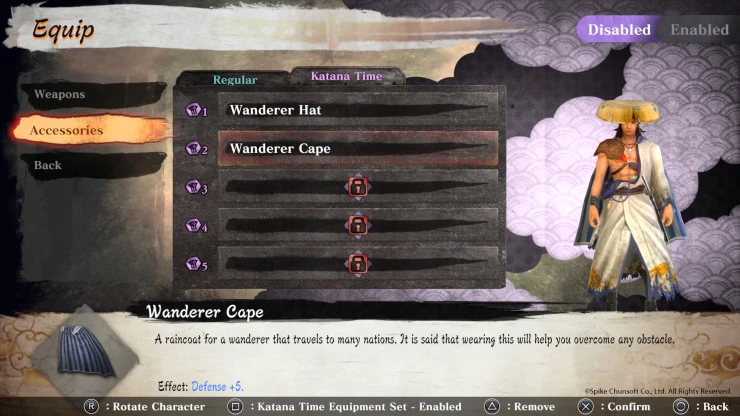
Katana Kami: A Way of the Samurai Story PC Keyboard Controls Guide
Listed below is a list of the default PC keyboard commands and controls for Katana Kami: A Way of the Samurai Story. These control settings can be changed in-game by pressing the 'ESC' key on your keyboard during gameplay or by going to the main menu and selecting the 'Controls' option.
Prostrate - V
Strong Attack - LM
Weak Attack - RM
Block - CTRL
Dash - SHIFT
Action - SPACE
Target - T
Draw Sword - F
Confirm - ENTER
Cancel - ESC
Menu - LM
Map - TAB
Shout - X
Kick - R
Use Item - E
Throw Item - Q
Eat Item - Z
Unarmed - B
Put Down - G
Move Up - W
Move Down - S
Move Left - A
Move Right - D
Walk - ALT
Item Bag Select – Right - Mouse Wheel Up
Item Bag Select – Left - Mouse Wheel Down
Item Bag Open - Middle Mouse
Change Weapon 1 - 1
Change Weapon 2 - 2
Change Weapon 3 - 3
Symbol Chat: Fight - 4
Symbol Chat: Cooperate - 5
Check out our Free DLC guide to find out how you can get this content on the first week of release of Katana Kami: A Way of the Samurai Story.
Anything missing from this guide?
ASK A QUESTION for Katana Kami: A Way of the Samurai StoryComments for PC Keyboard Controls Guide
No comments yet. Tell us what you think to be the first.
Table of ContentsClose
 Join us on Discord
Click to close

